
Ecommerce accounting integrations: adapting to tax & data changes
February 2026
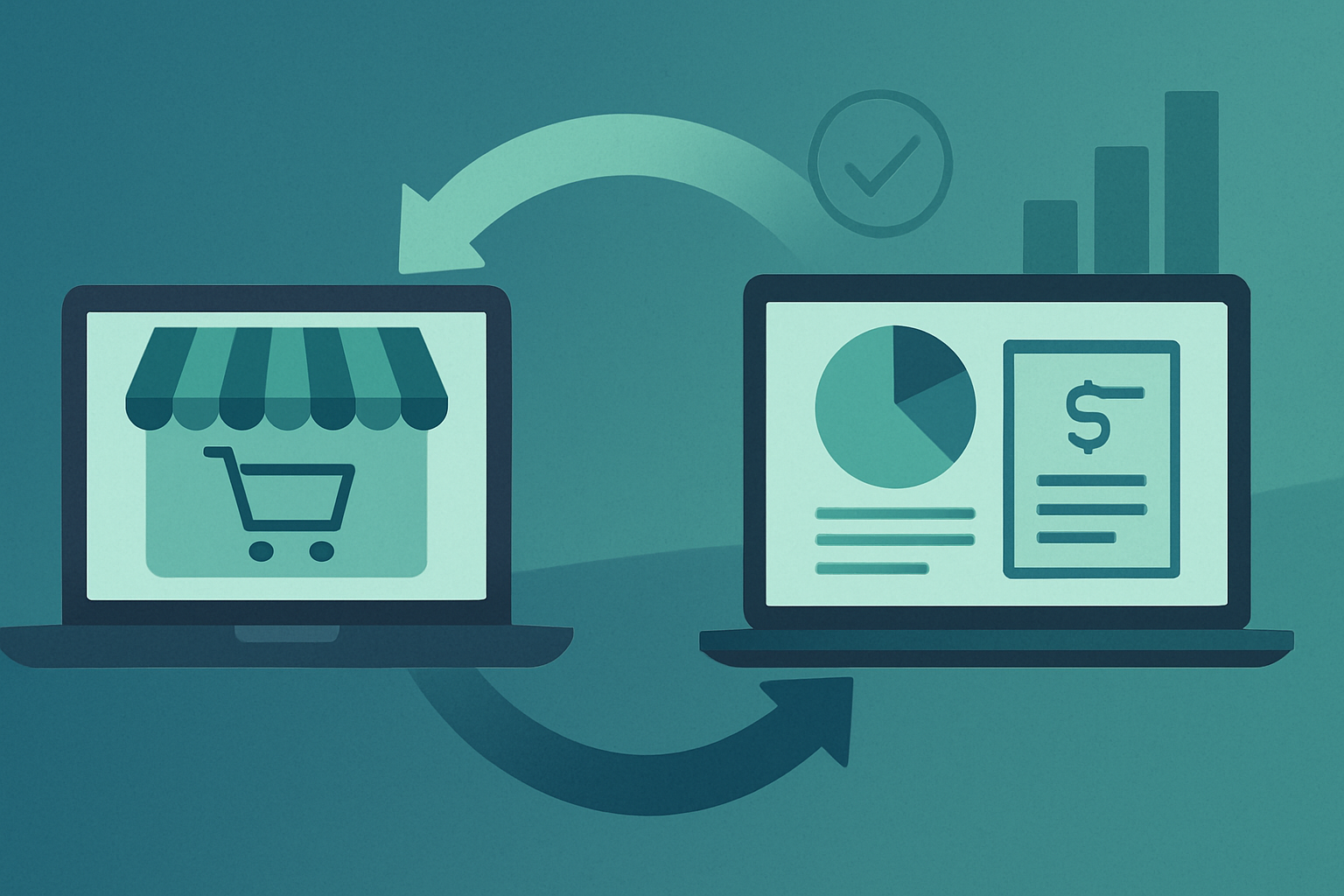
Connecting an ecommerce platform to accounting software used to be mainly about saving time on manual data entry. That still matters, but the integration landscape has shifted in a practical way: more merchants now need their ecommerce-to-accounting link to support clearer tax evidence, cleaner data, and more consistent reconciliation across multiple sales channels and payment methods. This matters even if you do not follow product updates closely, because small changes in how orders, fees, and taxes are recorded can affect VAT/GST returns, management accounts, and the time spent at month-end.
Trend: more attention on tax evidence and audit-friendly data
Across many regions, tax authorities have continued to tighten expectations around the quality of records (for example, what evidence supports the tax applied, and how you can trace from a tax return back to source transactions). The exact requirements differ by country and can change over time, but the practical direction is consistent: merchants and accountants benefit from keeping a clear “audit trail” from storefront order → payment → settlement → accounting entry.
For ecommerce businesses, the challenge is that a single customer order can involve multiple components that need to be reflected accurately:
• the item sale (sometimes multiple tax rates)
• shipping income and shipping tax treatment
• discounts and gift cards
• marketplace or platform fees
• payment processor fees
• refunds and partial refunds
• currency conversion and settlement timing
In many integrations, the decision is not whether to sync data, but how: do you post each order as an invoice/sales receipt, or post daily/weekly summaries? Both approaches can be valid. The “trend” is that more businesses are revisiting this choice because of tax and reconciliation implications:
Order-level posting can make it easier to trace individual customer transactions, handle complex tax scenarios, and link refunds to the original sale. The trade-off is volume: higher transaction counts can increase accounting file size and review time.
Summary-level posting (for example, daily sales summaries by channel) can simplify bookkeeping and reduce transaction volume. The trade-off is that you must be confident the summary still provides enough detail to support tax reporting and to reconcile payments, fees, and refunds.
There is no universal “right” answer. Some accountants prefer summary posting paired with strong reconciliation against payout reports; others prefer order-level entries for traceability. If you are uncertain which is appropriate for your tax position, it is worth documenting your reasoning and confirming what evidence you will retain outside the accounting platform (such as platform reports, payment processor statements, and tax calculation exports).
Trend: reconciliation expectations are rising as payment flows get more complex
Online merchants increasingly take payments through a mix of providers (Shopify Payments, PayPal, Stripe, Klarna-style pay-later options, bank transfers, and local methods), and may also sell through marketplaces or social channels. Even when sales happen in one “storefront,” the money often arrives in multiple settlement streams, each with its own fees, timing, and refund behaviour.
This has made reconciliation a bigger part of the integration conversation. Practical implications include:
Timing differences are normal. Sales occur on the order date; funds may settle days later; refunds may settle separately. If your integration posts sales on the order date but you reconcile to bank deposits, you will likely need clearing accounts (for example, “Stripe Clearing” or “Shopify Payments Clearing”). This is not new, but more businesses are treating it as essential rather than optional, because it reduces month-end confusion.
Fees need consistent handling. Platform and payment fees can be posted as expenses, netted off revenue, or recorded via clearing-account adjustments. Different methods can all work, but inconsistent handling makes reporting unreliable (for example, revenue appearing “low” in months where more fees were netted). A stable policy—agreed by merchant and accountant—usually improves comparability month to month.
Refund mapping matters. Some integrations can post refunds automatically; others require careful configuration to avoid double-counting (for example, a refund posted both as a negative sale and as a separate expense). If refunds are frequent, it is worth testing a full cycle: sale → payout → refund → negative payout, then checking the accounting impact.
Multi-currency adds a layer. If you sell in multiple currencies but settle in one, you may see foreign exchange differences between the order value and the settlement value. Not all setups handle this in the same way. If FX differences are material, ask how the integration (and your accounting platform) will represent them and how you will reconcile them.
Trend: merchants are standardising their data model across systems
A quieter change in the integration landscape is that more businesses are trying to standardise how key fields are represented across systems—especially as they add channels, apps, and reporting tools. This is less about new features and more about reducing friction when the business grows.
Common standardisation points include:
SKU and product naming discipline. Clean SKUs and consistent product names help with margin reporting and inventory conversations, even if you do not run fully integrated stock accounting.
Tax code consistency. Ensuring that the accounting platform’s tax codes line up with what the storefront is doing reduces surprises at VAT/GST time. Where the storefront tax calculation is complex (e.g., mixed rates, digital vs physical rules), it can be helpful to confirm what the integration actually sends through: does it send tax per line, a total tax amount, or a code that the accounting system recalculates?
Customer data strategy. Some merchants want each customer created in the accounting system; others prefer generic customers (e.g., “Shopify Customer”) to keep the ledger clean. The practical question is: will you ever need customer-level accounting data (credit control, B2B terms, repeat-customer analysis) inside the accounting platform, or is that better handled in ecommerce/CRM tools?
Sales channel tracking. Accountants often want to see performance by channel (Shopify vs marketplace vs POS). This can be done via separate income accounts, tracking categories, classes/locations, or tags—depending on the accounting platform. The integration should support whichever method you choose, otherwise reporting becomes manual again.
These choices are not one-time decisions. If you are changing platforms, adding a new payment method, or registering in a new tax jurisdiction, it is sensible to review whether your existing integration settings still match the business reality.
For context on common integration approaches and configuration considerations, you can also refer to CarryTheOne.
Concluding checklist
- Confirm whether your accounting entries should be order-level or summary-level, and document why.
- Set up (and actually use) clearing accounts for each major payment provider if settlements do not match order timing.
- Agree a consistent policy for recording payment fees and platform fees (and keep it consistent month to month).
- Test the full lifecycle: sale, payout, refund, chargeback (if relevant), and verify the accounting result.
- Check how multi-currency sales and FX differences will be represented and reconciled.
- Standardise tax code mapping and verify what data the storefront sends (line tax vs total tax vs recalculated tax).
- Decide how much customer detail you want in the accounting platform and configure the integration accordingly.
- Choose a channel-tracking method (accounts, classes, categories) that your accountant can report on reliably.
- Schedule a short quarterly review of integration settings when you add channels, payment methods, or new tax registrations.
0 Comments
Post a Comment
Subscribe to Post Comments [Atom]
← Home